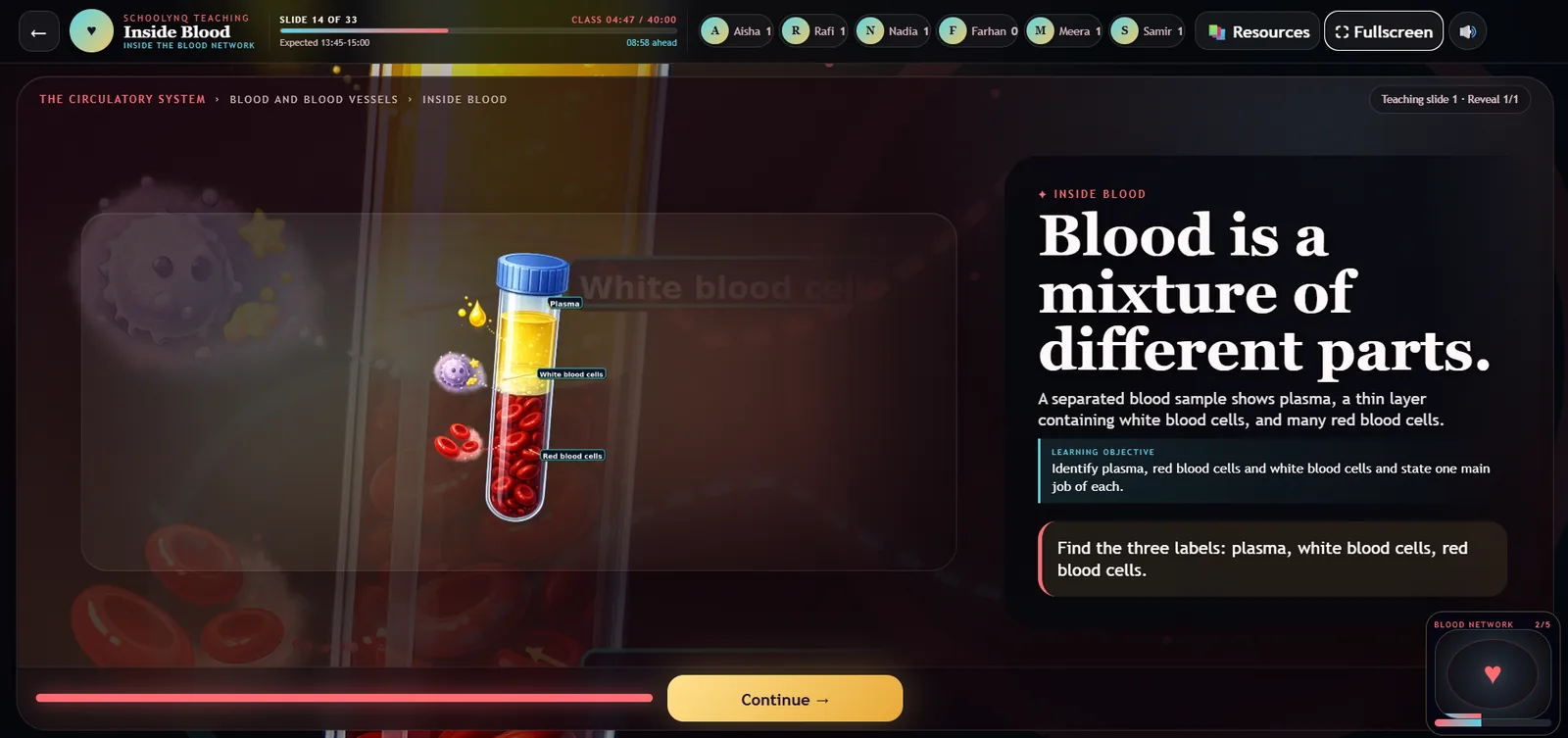
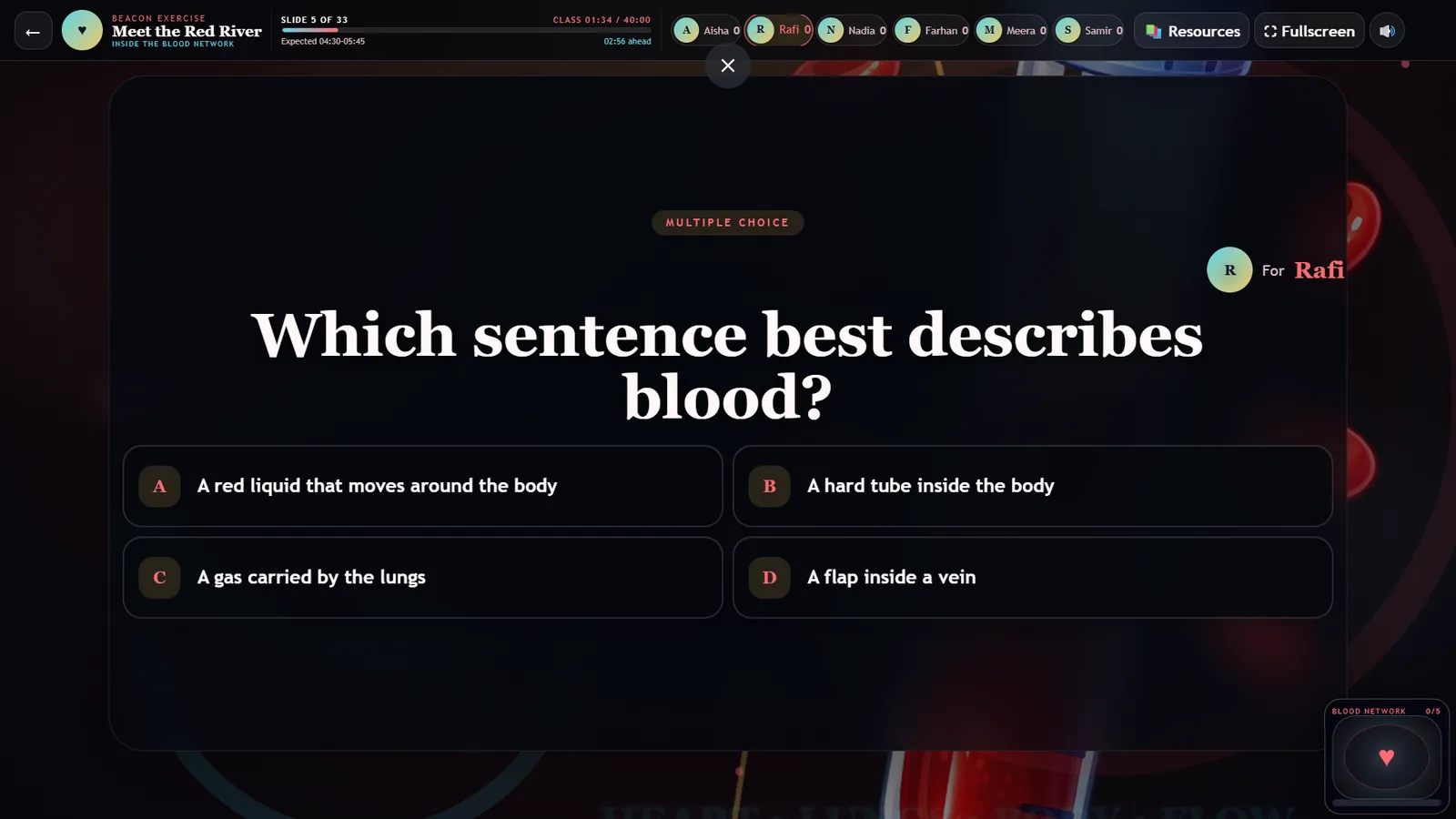
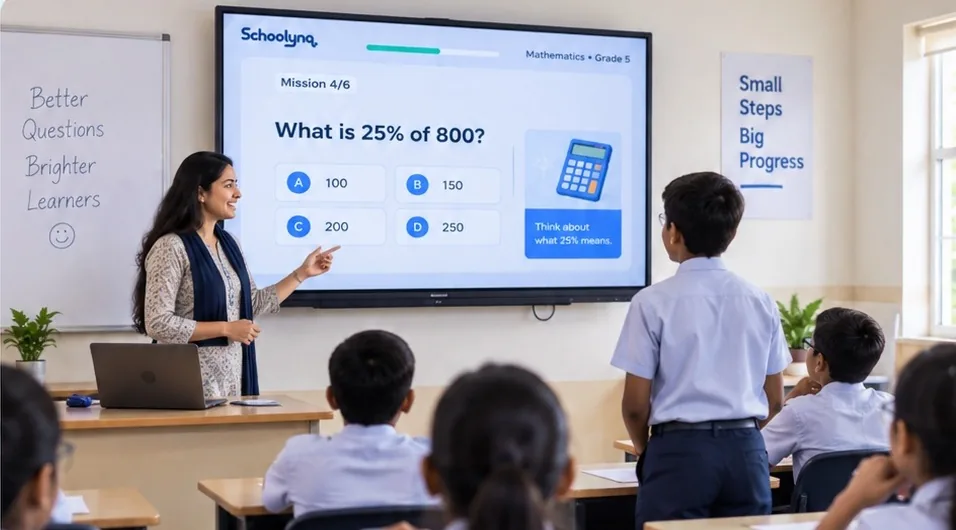
A mission on the classroom screen. The teacher sets the pace.
Two products, one school journey
Younger classes learn together on one screen, led by the teacher. Older students learn on their own phones, at their own pace. A school can start with either and add the other.
Grades 3–8Live now
Schoolynq Missions
One screen. Teacher-led. Students take part together.
Ready 40-minute lessons built from your school’s books and calendar
Visual explanations, built-in questions and a student spotlight
A principal dashboard that shows where follow-up is needed
Teachers open a prepared lesson and guide the class
A mission is one structured 40-minute lesson. The teacher runs it on the classroom TV or projector, and the class answers together. Students do not need their own devices.
1
Explain visually
Each idea builds on screen in clear stages, in simple language.
2
Check understanding
Built-in questions show straight away who has understood.
3
Bring every student in
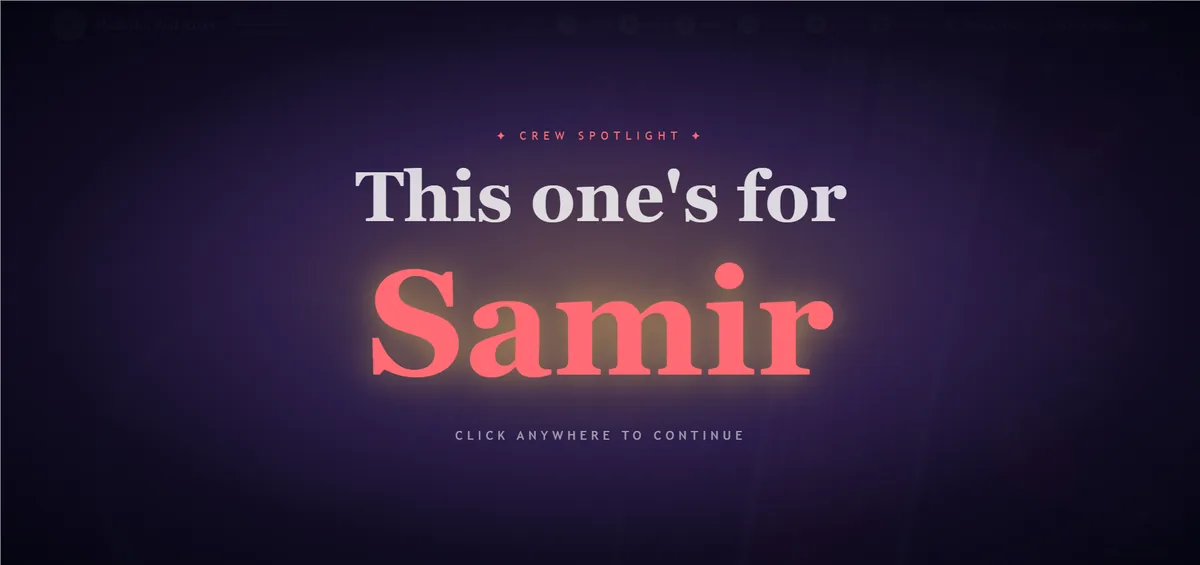
Fair calling picks students in turn, so everyone takes part.
One screen in the classroom
The teacher runs the mission from a laptop on the classroom TV and controls the pace. Lesson notes, a practice sheet and a teacher guide come with every mission.
The sample is a Grade 6 Science lesson on breathing. It is made for a laptop or a classroom screen.
See where academic follow-up is needed
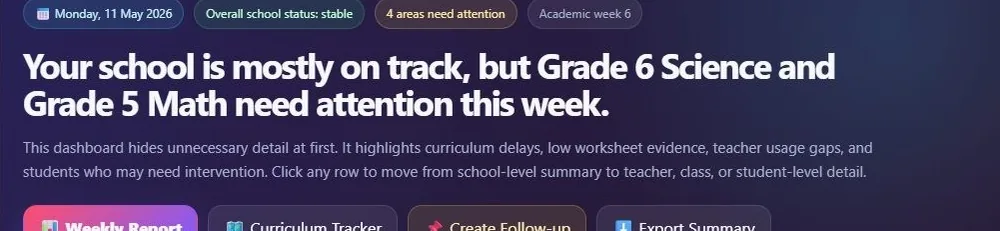
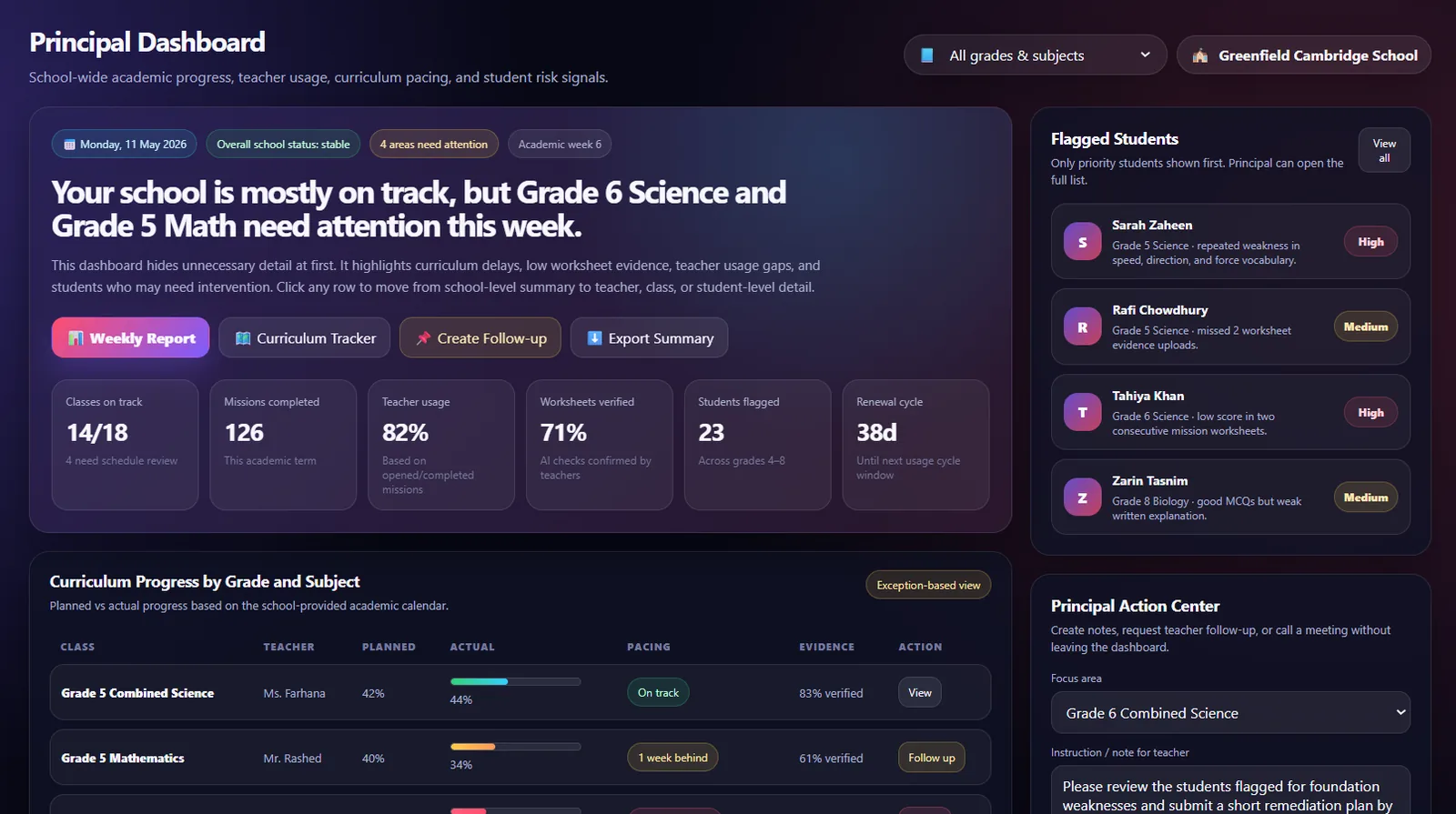
The principal dashboard turns what happens in class into practical decisions, without reading every class record.
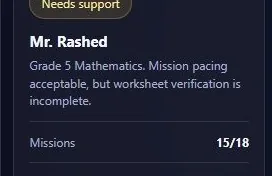
Priority alertFocus follow-up on the classes that need it this week.Teacher supportSupport a teacher before a small issue grows.
The principal dashboard (sample school).
Polaris by Schoolynq · Grades 9–12
Senior students learn on their own phones, to mastery
Polaris is for O-Level, IGCSE and A-Level years, where students need to work independently. It starts with Cambridge AS Physics, with more subjects to follow.
AS Physics · Deformation of solids
A spring with spring constant 50 N/m is stretched by 4.0 cm. What is the force on it?
A 0.5 N
B 2.0 N
C 12.5 N
D 200 N
How sure are you?
SureGuess
Notes for every syllabus point
Clear notes with diagrams, worked examples and simulations, written for the Cambridge syllabus.
Practice that knows the difference between knowing and guessing
Students mark each answer as Sure or Guess, so teachers see real understanding, not lucky answers.
Live class that fixes mistakes on the spot
When a student gets a core question wrong, Polaris gives targeted follow-up questions until the idea is fixed, while the class moves on together.
Mastery for every student
Teachers see who has mastered each syllabus point, and where each student needs help next.
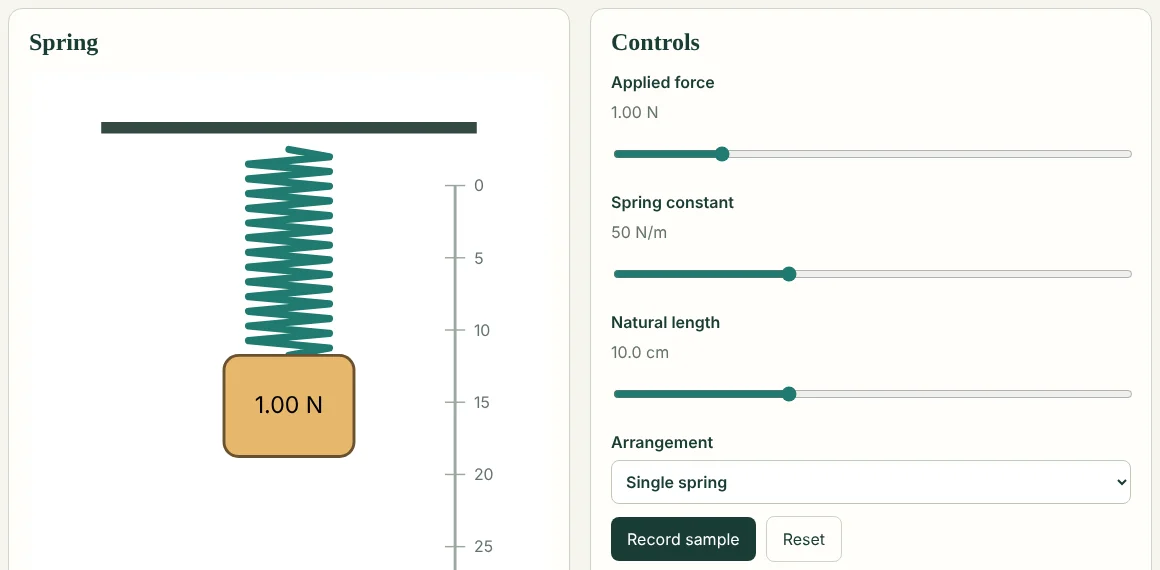
The Hooke’s law lab from Polaris: students change the force and the spring, and see the extension.
A school can begin with one grade and one subject, then expand after reviewing the rollout.
01
Classroom setup
A teacher laptop or desktop, a TV or projector, and reliable internet.
02
Student devices
Not needed for Missions in Grades 3–8. Polaris students use their own phones.
03
Teacher role
Open the scheduled lesson, guide the class and record responses as you go.
04
Onboarding and support
Launch training and WhatsApp support are included.
SetupWe collect your calendar, books and syllabus, and agree the first classes and subjects.
BuildingWe prepare the lessons for your sequence and check every one for clarity and accuracy.
LaunchTeachers run lessons from their calendar; responses build the school’s progress record.
Pricing depends on the number of classes, subjects and the rollout length. We agree it with each school after the demo.
The people behind Schoolynq
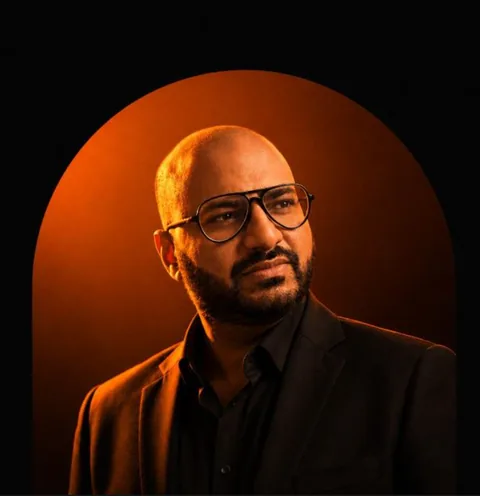
Raphael Choudhury
Founder and President
STEM education leader, school advisor and O and A‑Level educator for 20 years, with more than 2,000 students taught. MIT Solver (Class of 2020). MBBS, with a Master’s in Health Informatics.
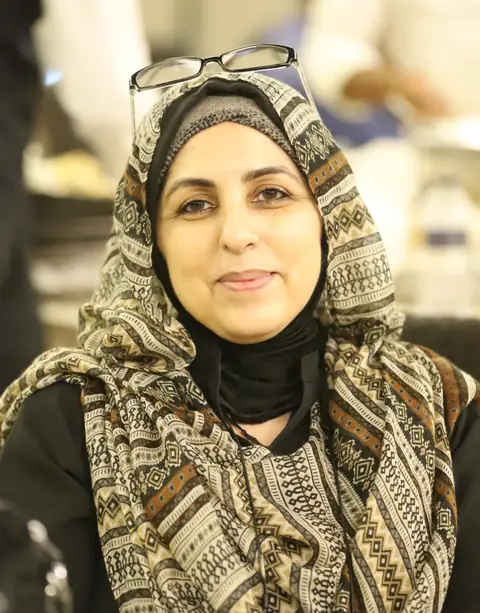
Maryam Noor Yunus
Chief Advisor
More than twenty years in curriculum, teacher training and child development. The first Academic Advisor for Cambridge schools in Bangladesh, she now leads New Horizon Crescent International School in Dhaka and guides how Schoolynq teaches students and trains teachers.
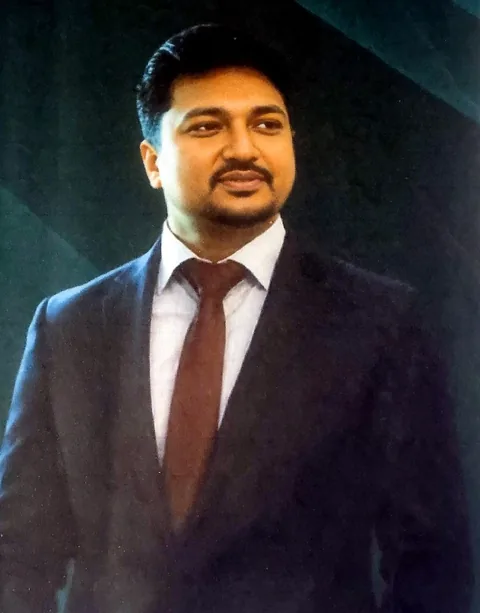
Dr Shammir Ahmed
Academic advisory · Science
19+ years of teaching and leadership. Former Head of Biology at Playpen and Head of Chemistry at Ebenezer International.
Elias Kanchan
Academic advisory · Mathematics
Cambridge trained, Edexcel and IB expert, mark scheme specialist. Former senior faculty at OIS, SPSC, SIS and ESS.
See Schoolynq in 15 minutes
We will show a live classroom lesson and the principal dashboard, then agree a starting scope for your school.